Disposable camera app for events
Capture every perspective. Every guest becomes part of the story. Simple, fun, and authentic. Unique viewpoints come together in one collective album of memories that can’t be staged or repeated.
Free for up to 4 guests. No app for anyone.

All moments. One shared album.
Easy for guests, powerful for you.
Guests scan a QR code and start capturing:
photos, videos and voice messages, or upload pictures
already on their phone.
- No app, no signup: Scan the QR code, enter a name and email, and the camera opens. iPhone or Android.
- Playful filters: Give every shot a look before it is taken.
- Voice messages and video: A message in their own voice, or a clip of up to 60 seconds.
- Upload from their gallery: Photos already on their phone land in the same album.
- See who is here: Every guest, and how many shots each has left.
Scan to join
Ava & Luca
kapture.events/e/ava-luca
- 1. Scan
- 2. Guest
- 3. Camera
- 4. Album
Setting up your event
No app, no training, just four steps.
Log in
Your events and albums, in one dashboard.
Sign in to manage your events and albums.
Log in
Your events and albums, in one dashboard.
Sign in to manage your events and albums.
Creating an event is effortless
When we say no app, we mean it.
Log in, choose a package and pay once. Create your event, then change anything at any time, even while it is live.
- Create your event: Name, dates, cover photo and settings, on one page.
- Add event managers: Invite up to 4 by email and choose what each can do.
- Edit or upgrade, live: Edits are instant, and your QR code stays the same.
Sharing links, event details, and what guests are allowed to see.
Join code
K7Q2XM
Join link
Album link
Live wall
Share your QR code
Every event comes with its own QR code. Download it, print our table card, or design your own. Guests scan it and the camera opens.
Nothing to install and no account to make, for you or for them.
- Download the QR code: On its own, for invitations and signs.
- Download the table card: Ready to print, with your event’s name on it.
- Design your own: Pick a template, then change the words, colors and code.
SHOTS
REMAINING

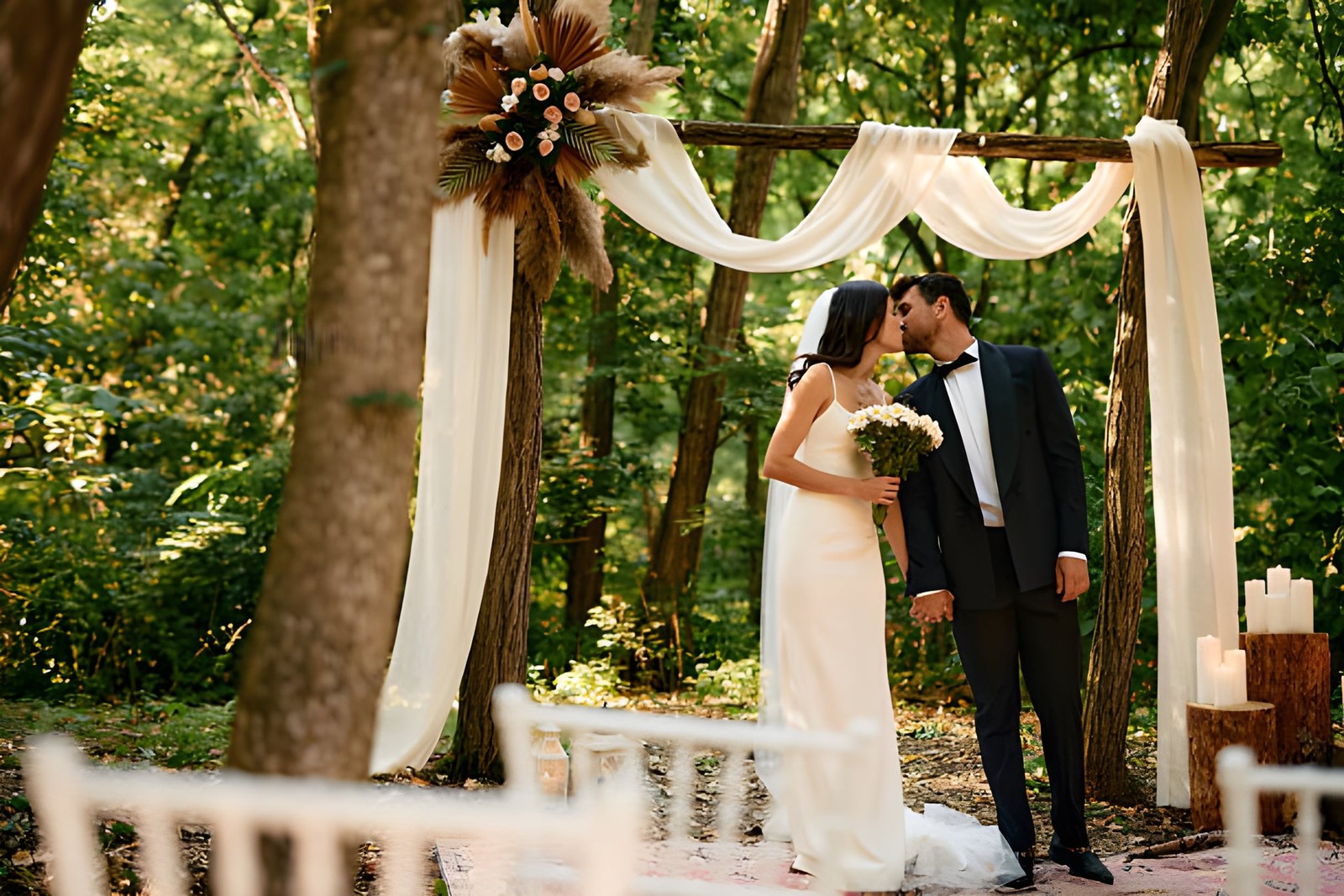
Ava & Luca
Photo by Mia Laurent
ApproveRejectPhoto by Noah Petit
ApproveRejectPhoto by Zara Khan
ApproveReject
6 Participants
Recent activity
- AMAva MoreauOrganizerLast photo just now14SHOTS
REMAINING - LBLuca BianchiManagerLast video 2m ago19SHOTS
REMAINING - MLMia LaurentLast voice message 5m ago21SHOTS
REMAINING - NPNoah PetitLast photo 12m ago8SHOTS
REMAINING - ZKZara KhanLast photo 26m ago17SHOTS
REMAINING - TGTheo GrantNo captures yet25SHOTS
REMAINING
The night, as it happens
Your guests take photos, record video and leave voice messages, all from one camera. Want a say in what is shared? Review every capture first.
- Photos and video: One shutter for both, on any phone.
- Voice messages: A message in their own voice, for the event organizer.
- Approve content: Turn off Approve automatically and review every capture from the camera.
Instant reveal
On an open event, photos land in the album as they are taken.

248 Photos • 38/50 Participants
Live now · ends in 4 hours

Your shared photo album
Every capture from every guest lands in one album. Open it as the photos are taken, or keep it locked until the moment you choose.
Yours to download as often as you like, for three months.
- Instant or delayed reveal: Guests who left their email are told the moment the album opens.
- Heart the ones you love: One tap, and the favorites stand out.
- Download one, or all: The whole album in a single tap, at full resolution.
Instant photo and video display, live on screen
Put the wall on a screen at your venue and guests see their photos appear as they are taken.
- Smart TV or smart projector: Open the wall link in its browser, or on a laptop connected to a screen.
- Photos and videos: Both appear on the wall as they come in.
- Collage or slideshow: Choose how the wall shows them.
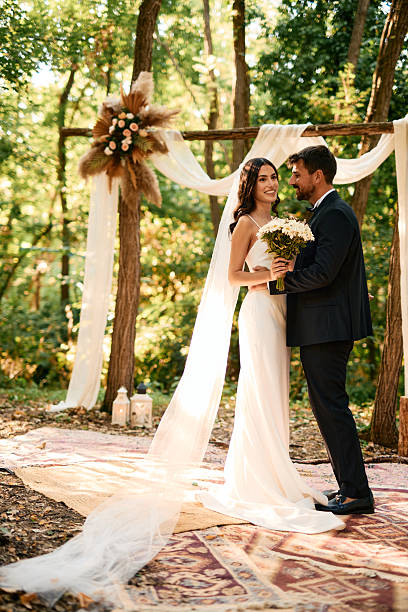
Ava & Luca
Scan to join · code K7Q2XM
The live wall
Photos and videos land on the screen the instant they are taken.
The event ends. The story continues.
What’s yours after the event.
- 01Every photo and video. At full resolution. Video is an optional add-on.
- 02Voice messages. Messages from your guests, yours to keep.
- 03Who took it, who loved it. See the guest behind every photo, heart and download.
- 04Private or shared. Make the album accessible to your guests, or choose to keep it private once the event has concluded.
- 05One download, sorted. Photos, videos and voice messages, each in its own folder.
- 06Three months. On any paid plan, download it as often as you like.
Transparent, pay-per-event pricing
Free for small gatherings up to 4 guests. Pay once for bigger ones. No subscription, no recurring charge.
See full pricingNo. Scanning the QR code or opening the join link opens the camera in the phone’s own browser, with nothing to find in an app store. Guests enter a name and an email address, allow the camera, and start taking photos. Nothing is left on their phone afterwards.
Yes, with three reveal modes. Open shows each photo to every guest as soon as it is approved. Delayed keeps the album hidden until a date and time you choose, when guests are emailed that it is ready. Private means guests never see the album.
Yes. Next to the shutter there is an upload button for photos already on their phone, useful for a shot taken earlier in the day. Uploads are photos only, so videos are recorded with the camera. They land in the same album as everything else.
Three months on a paid plan and four weeks on the free event, from the day the event went live. Two weeks before the end we email you a reminder to download the album. After that the event is deleted and cannot be recovered.
Ready for your next event?
Set up takes a couple of minutes. Your guests won’t need more than a browser.